
What is GTD?
Getting Things Done (GTD) is David Allen’s method for keeping track of commitments. Write things down, decide the next action, and review your lists so you can choose what to do now.
Your head is a bad to-do list.
Right now, some part of your mind is holding on to a dentist appointment, a reply you owe someone, and that thing you promised to fix. Each one pops up at the wrong moment — in the shower, at 2 a.m. — because your brain doesn’t trust that it’s written down anywhere. That quiet hum of “I’m forgetting something” is exhausting.
Your head is for having ideas, not holding them.
— David Allen, Getting Things Done
The whole method is five habits.
That’s really it. No colour codes, no priority matrix — five habits that turn a pile of worries into a list you can trust.
-
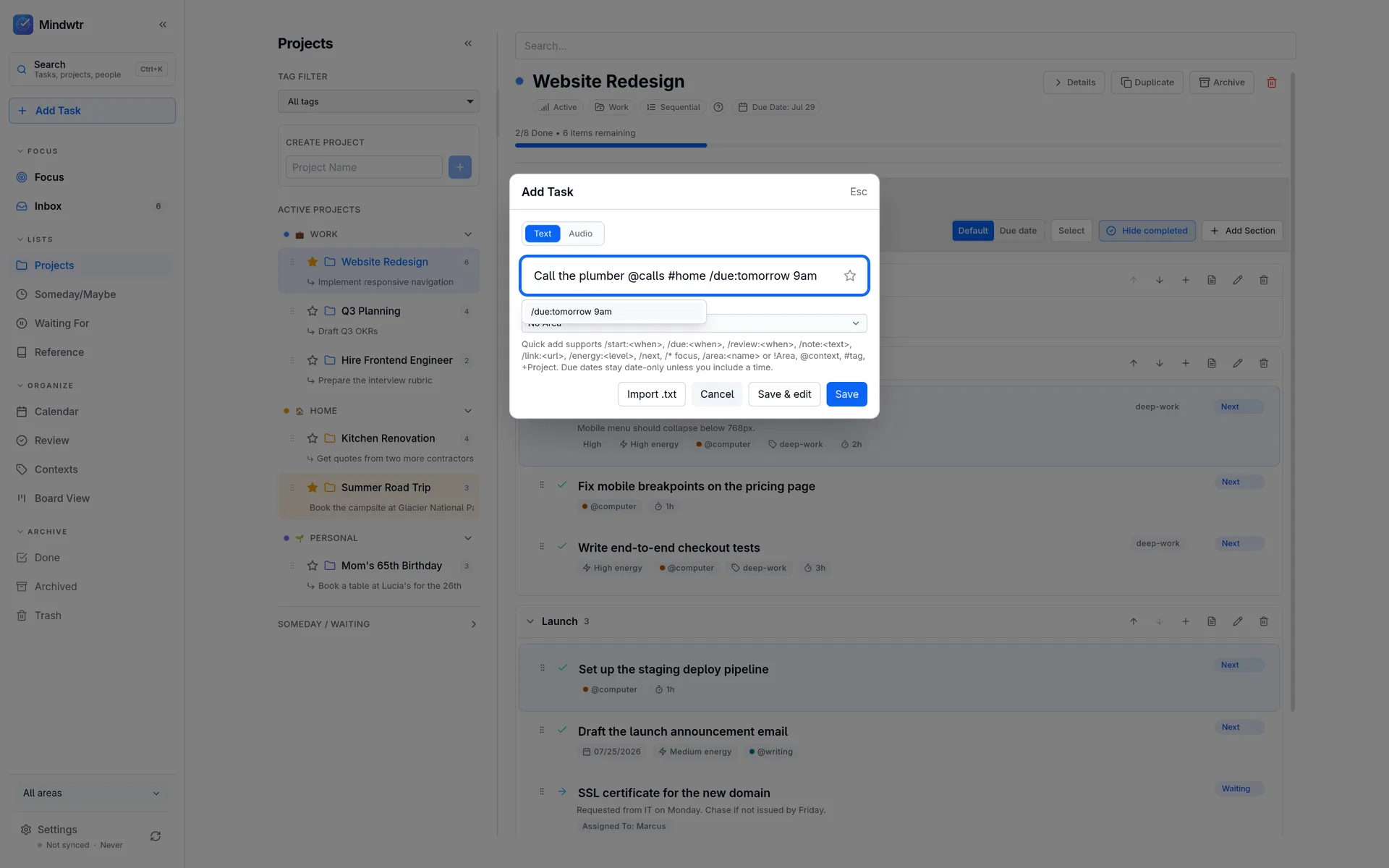
1 · Capture
Write things down the moment they cross your mind — in one place, not on six sticky notes. Don’t sort anything yet. Just get it out of your head.
-
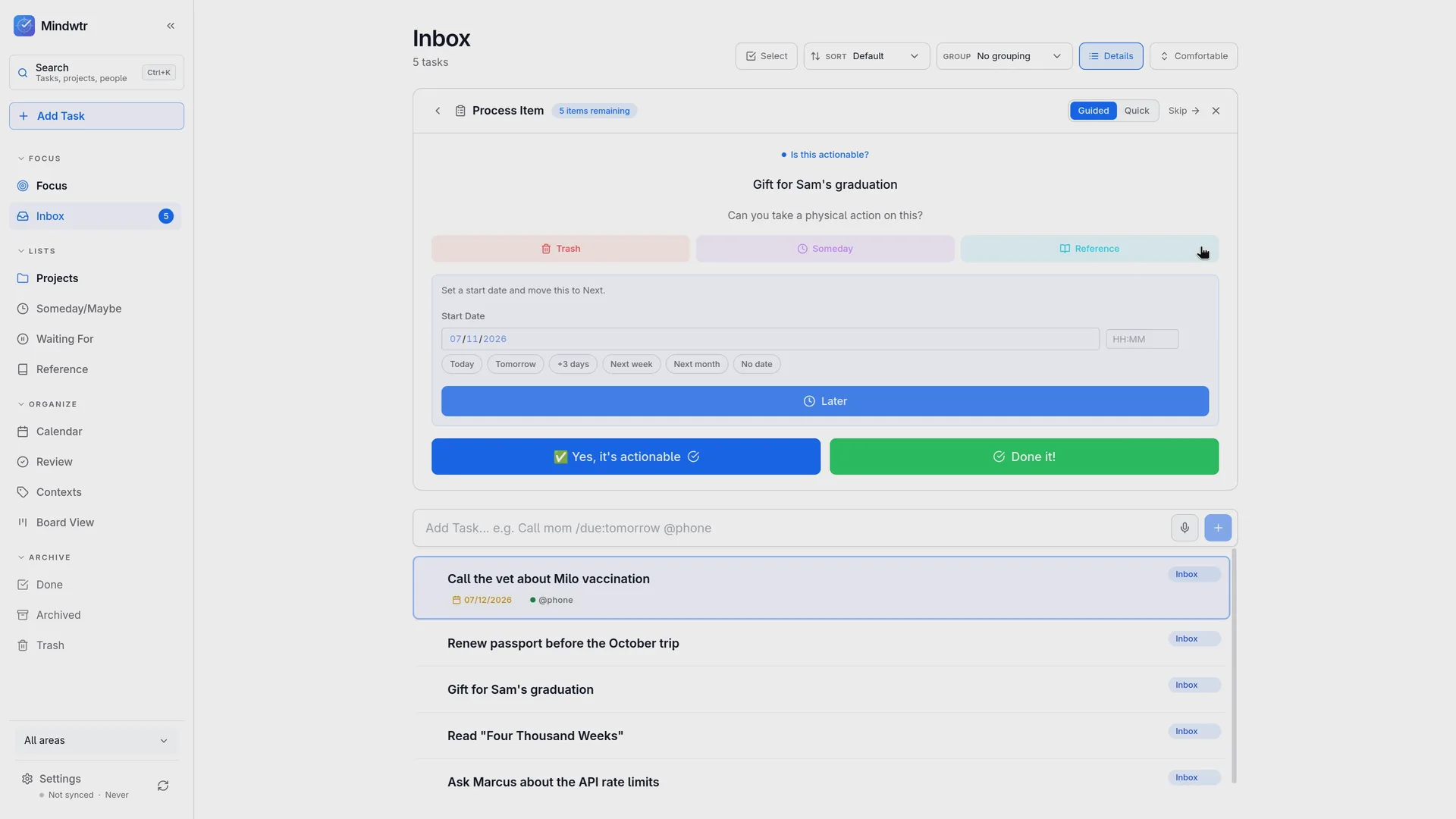
2 · Clarify
Look at each note and ask: what’s the very next small step? Not “plan Mom’s birthday” — “call the restaurant”. If it takes under two minutes, do it right away.
-
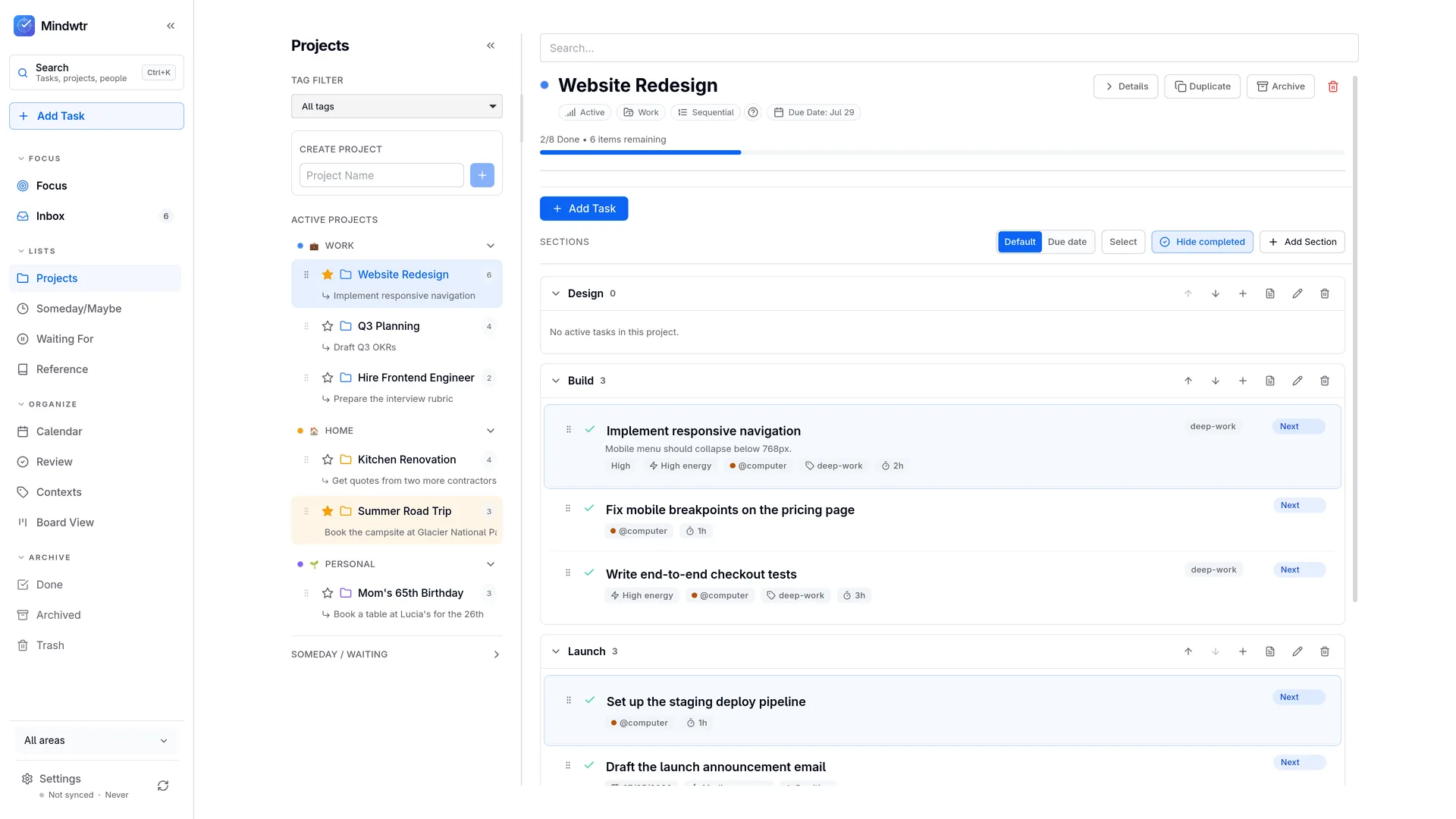
3 · Organize
Put each step where it belongs: things to do next, things you’re waiting on from someone else, ideas for someday, and anything with a real date on a calendar.
-
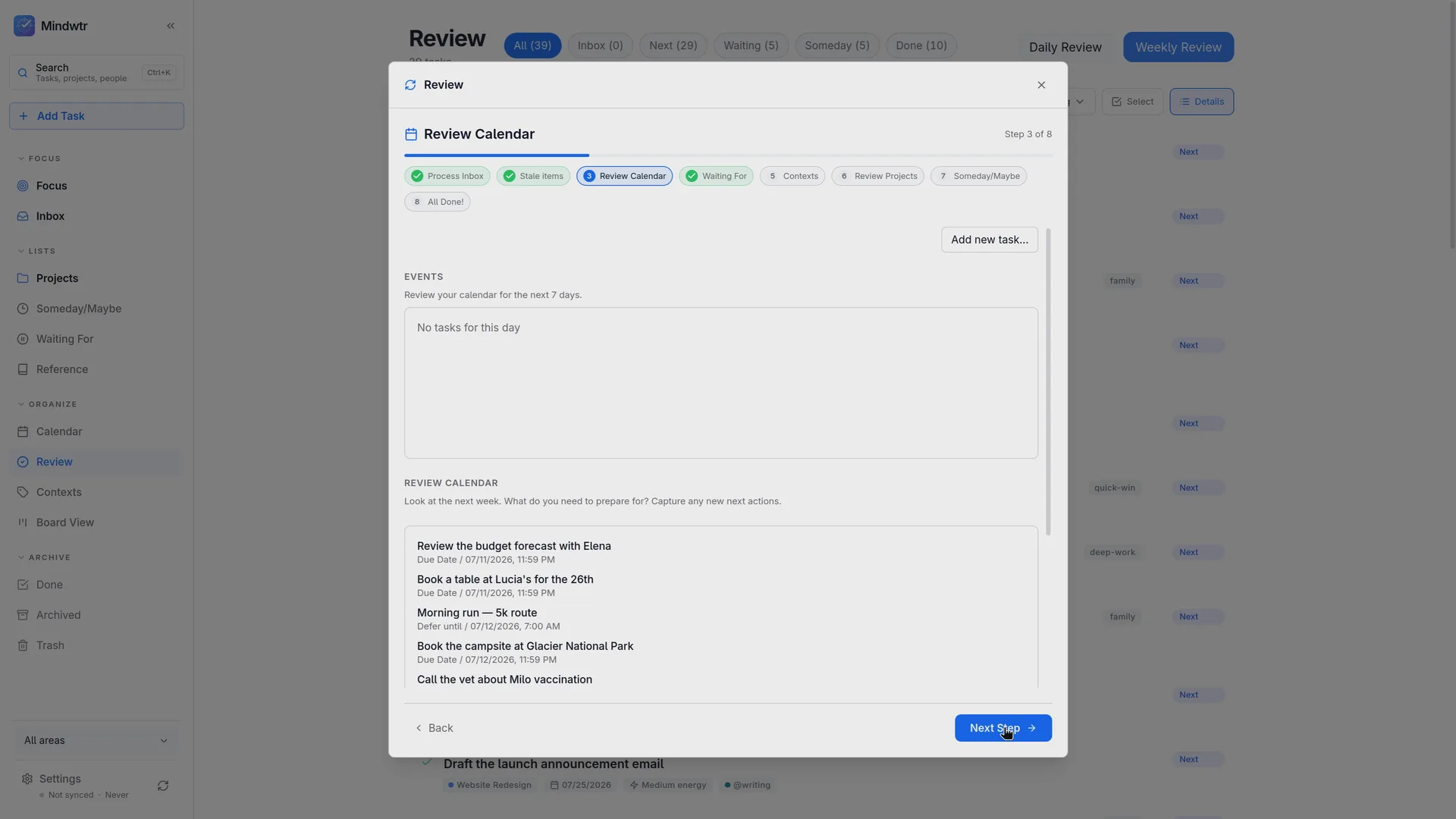
4 · Reflect
Review your lists regularly. Mark finished tasks, reconsider what has changed, and choose next steps for active projects.
-
5 · Engage
Then just work. With ten minutes at your desk, or one hour of good energy, the list shows what you can do right now. Pick one thing — and let the rest wait without guilt.

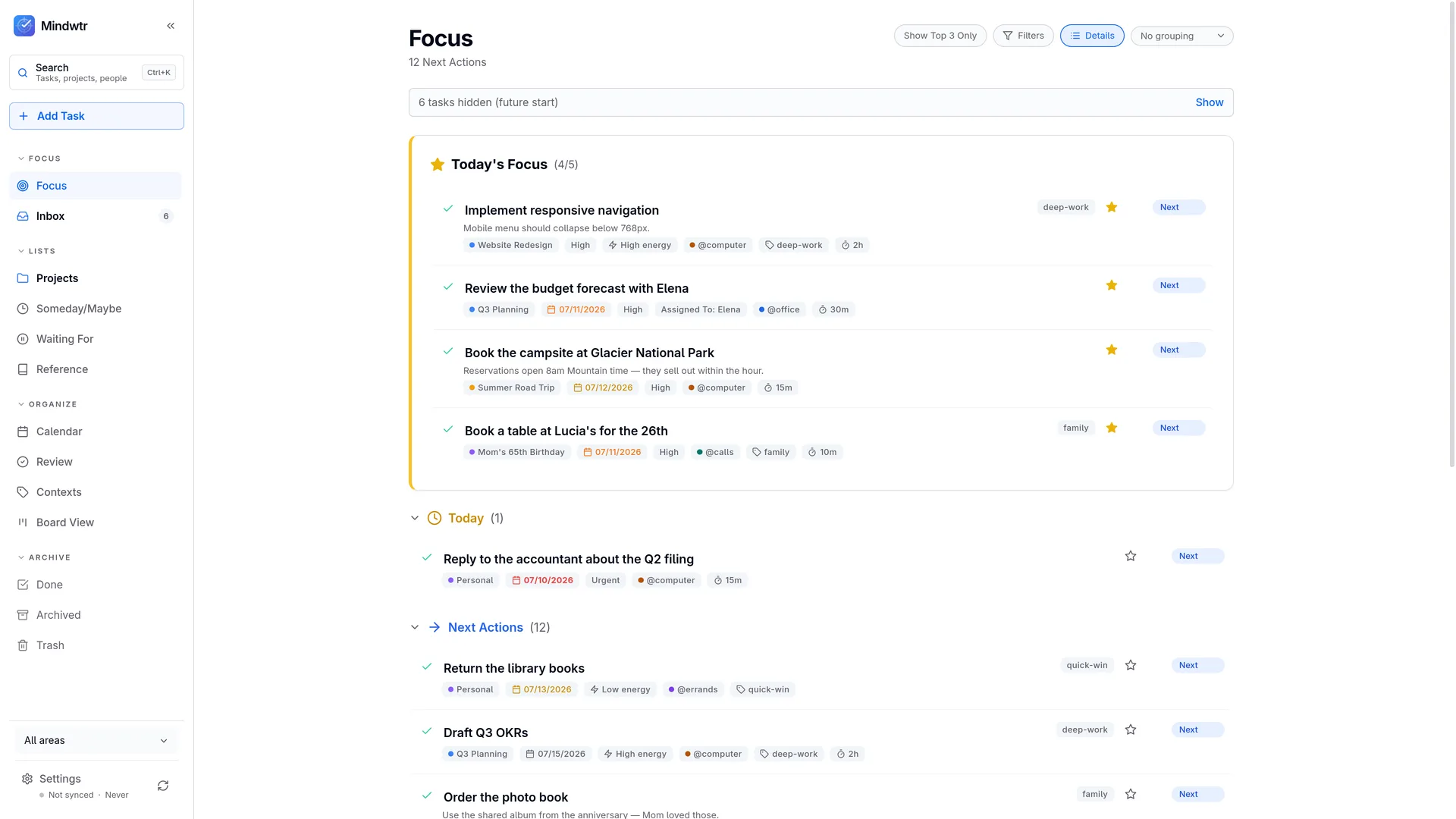
The five steps in Mindwtr.
Choose a step to see how it works in the app.
You can do GTD on paper.
Truly — a notebook works. The book came out in 2001, before smartphones. An app has to earn its place by making the habits easier: your phone is always in your pocket for writing things down, a gentle reminder nudges the weekly tidy-up, and the same list is waiting on every device you own.
That is exactly the job Mindwtr was built for. The method comes first; the app just carries it — free, without ads, and without an account.
Go deeper
If you want the thinking behind the habits, keep reading: the psychology of GTD — open loops, cognitive overload, and the extended mind — the upper horizons of goals and visions, and the Mindwtr Handbook, a fifteen-minute tour of the whole system in practice.