Capture everything
Inbox for effortless capture. Get it out of your head.
 Mindwtr
Free · Local-first · No account
A calm GTD system that brings clarity to your day. Capture everything, focus on what matters, review with ease, all local, all yours.
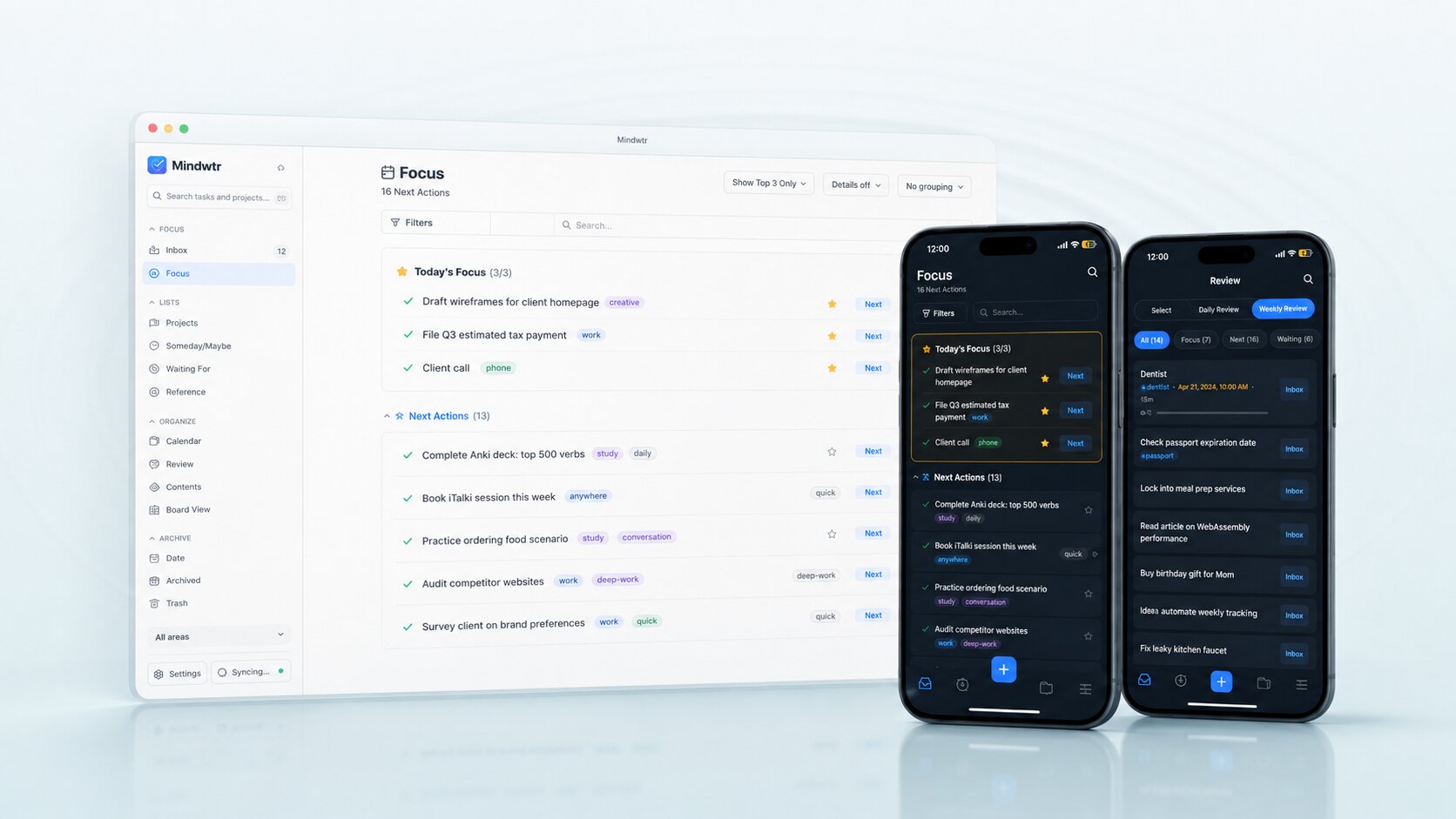
Inbox for effortless capture. Get it out of your head.
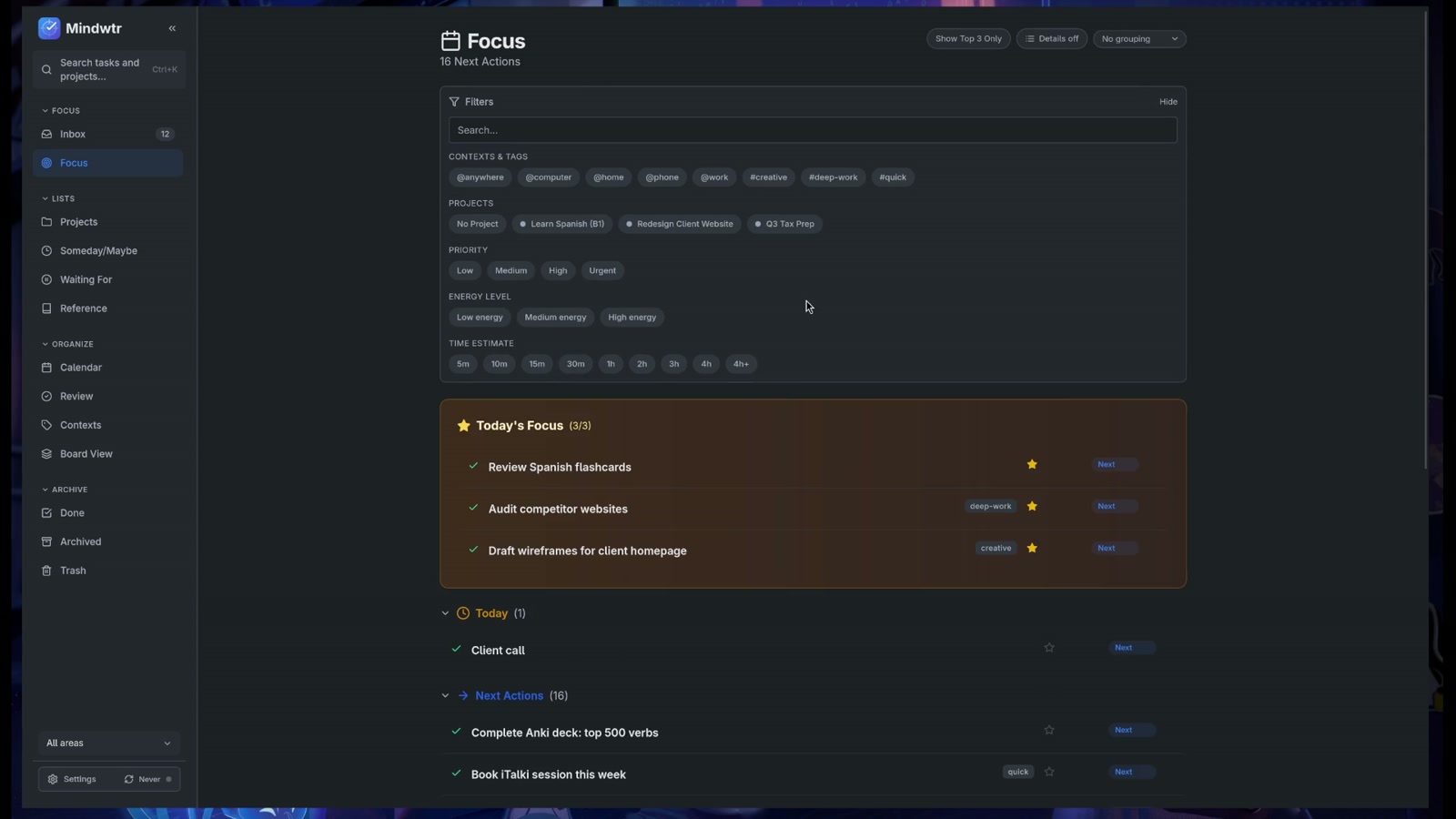
See what matters today. Take action with calm.
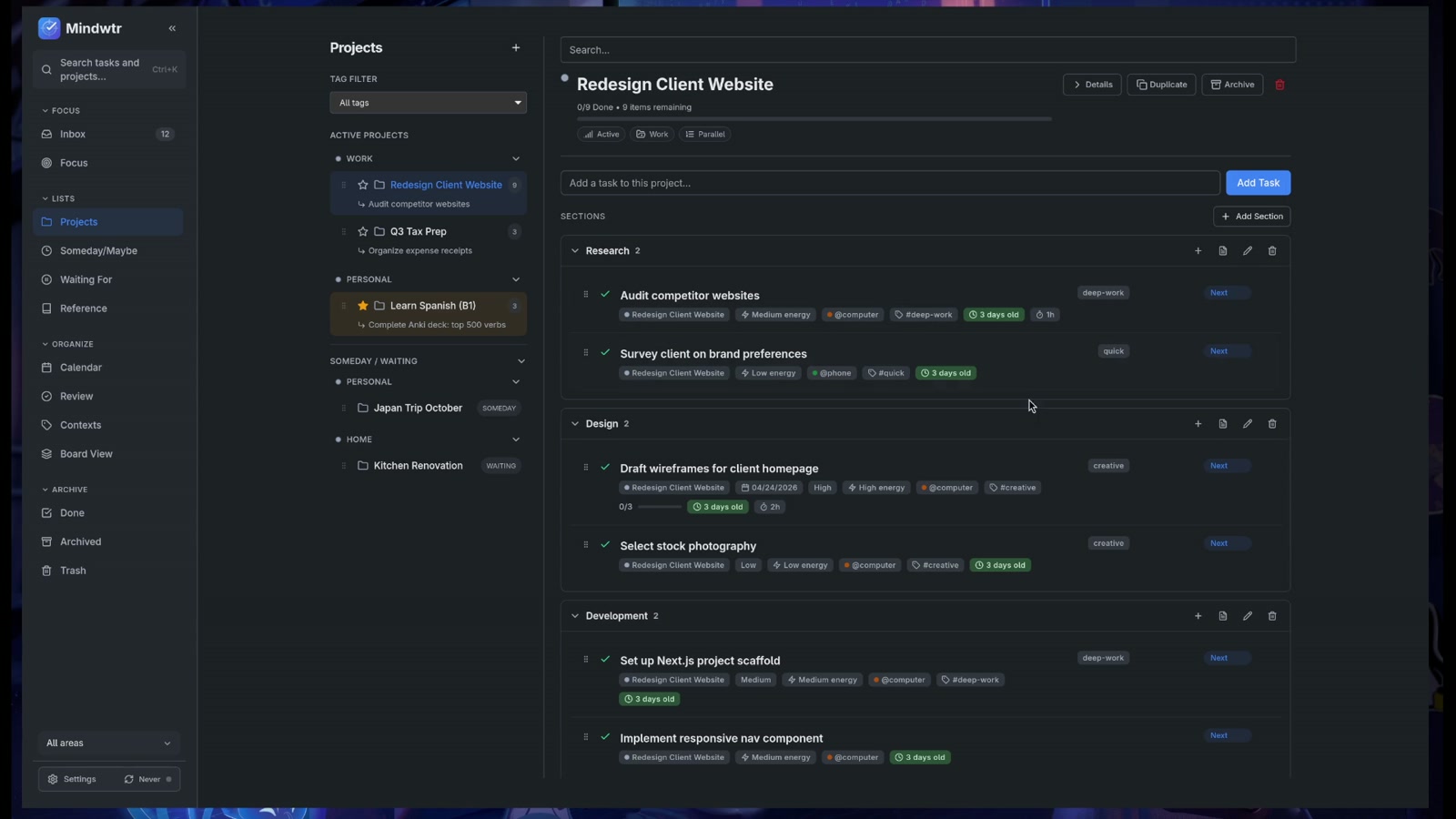
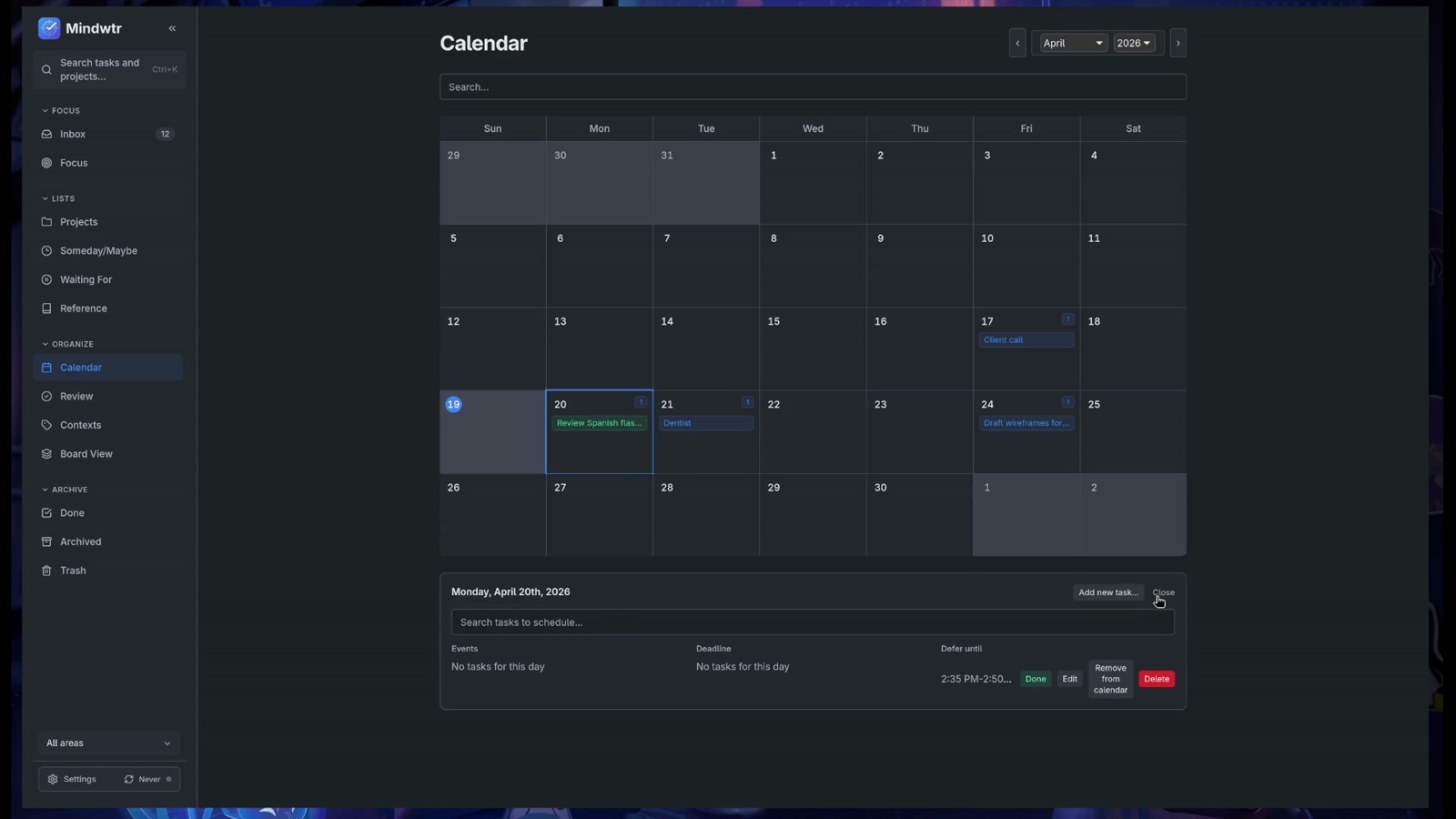
Projects, contexts, calendar, and board view.
Weekly review keeps you aligned and moving forward.
Philosophy
Mindwtr cuts cognitive load and keeps you in flow: progressive disclosure, fewer knobs, and no feature creep.
Don't show me a cockpit when I just want to ride a bike.
GTD-native workflow
Mindwtr follows the shape of Getting Things Done, so capture, review, and focus stay connected instead of becoming separate chores.
Everything in one place
Every view is built for the GTD method, with depth that stays out of the way until you reach for it.
A time-based agenda and your next actions, together in one view.
Kanban-style drag and drop across Inbox, Next, Waiting, and Someday.
Plan dated work and subscribe to external calendars and ICS feeds.
Slash-delimited contexts like @work/meetings with parent matching.
Operators such as status:, context:, and due:<=7d across everything.
Speak a task; it's transcribed and filed into your inbox automatically.
15/3, 25/5, and 50/10 timers, plus one custom preset, inside Focus.
Duplicate tasks or reset checklists for routines you run again and again.
The next date is calculated after you finish, not on a fixed schedule.
16 languages · Light & dark · Vim & Emacs keymaps · Android widget · PWA & offline
Desktop, mobile, self-hosted
Use Mindwtr on macOS, Windows, Linux, iOS, and Android. For browser access, self-host the web build when that fits your setup.
Trust by default
Mindwtr starts from local data, open code, and user-chosen sync rather than a required hosted account.
AGPL-licensed code you can inspect, run, and contribute to.
Your tasks, notes, projects, and attachments start on your device.
Choose iCloud, Dropbox, WebDAV, file sync, or self-hosted sync.
Why Mindwtr
A brief, respectful comparison based on each product's current public capabilities.
| Capability | Mindwtr | Todoist | TickTick | Everdo | Nirvana |
|---|---|---|---|---|---|
| Open source | |||||
| GTD-native workflow | |||||
| All platforms, incl. Linux | |||||
| Local-first, no account | |||||
| AI assistant (BYOK + local) | |||||
| Flexible sync (WebDAV, Dropbox, self-host) | |||||
| Completely free |
Yes Partial No
Power when you ask for it
Bring your own AI key, use a local model, script the desktop API, connect MCP, or self-host the sync server.
Explore power-user docsInstall
Pick the channel that fits your device and distribution preference.





 GitHub Releases